Adding an Angular frontend to an existing KO application
A fully OOTB Angular applicationApplicationThe overarching model container grouping all components, domain logic, and configurations for an enterprise solution. can be added as a frontend alongside an existing KO frontend. This process consists of two transmutation steps:
The Angular expandersExpanderA unit of generation that combines a data tree instance (functional M1 model) with a template to generate an artifact. do not support every technology a KO applicationApplicationThe overarching model container grouping all components, domain logic, and configurations for an enterprise solution. supports. If your goal is to fully replace the KO applicationApplicationThe overarching model container grouping all components, domain logic, and configurations for an enterprise solution. in the future, you'll need to migrate some of these technologies first to keep the same functionality available.
- Data commandsData Command (DataCommand). [Deprecated] A legacy mechanism used for data input and custom action execution on DataElements, replaced by DataOperations. are not supported in Angular. Instead, Angular uses data operations, due to its more unrestricted nature.
- A standard-api (std-api) control layerLayerLogical separation of functionality within a single system/application, focused on code organization. is required, since Struts are not supported. You can also use the service-api (svc-api), but only the std-api guarantees full feature-parity with Struts.
- It is highly recommended to first migrate your project to the most recent version of the Project Setup expanders. This ensures your project has the same structure as other projects within NSX. If you do not use the project-expandersExpanderA unit of generation that combines a data tree instance (functional M1 model) with a template to generate an artifact. yet, you can follow this migration guide. Without the default project setup, you might encounter problems that are already fixed.
- Have Yarn installed on your computer. This is the preferred package manager within NSX, employees should consult the "Software required to install" discourse post to install Yarn correctly.
Custom code added to your KO applicationApplicationThe overarching model container grouping all components, domain logic, and configurations for an enterprise solution. can not be automatically transferred or translated to Angular code.
1. Steps to add Angular model files:
Angular applicationsApplicationThe overarching model container grouping all components, domain logic, and configurations for an enterprise solution. have their own metamodel. A transmuter has been added that creates an Angular model based on
your existing Elements model. The result of the transmuter will be default CRUD screens for all the data elementsData Element (DataElement). A fundamental data concept or entity within an application's domain, acting as an anthropomorphic translation of a real-life object or concept. in
your model, unless they have the angular.noViewLayer option.
Steps to run the Generate Default Angular App transmuter:
- Add the following expansionResources to your
expansionSettings.xml:
- angular-beam
- angular-stdapi-expanders
- data-operations-bundle (optional, but recommended)
<!-- Use the specified versions or newer -->
<expansionResource>org.normalizedsystems.beam:angular-beam::1.0.0</expansionResource>
<expansionResource>net.democritus.angular.stdapi:angular-stdapi-expanders::4.0.0</expansionResource>
<expansionResource>net.democritus.bundles:data-operations-bundle::2.5.0</expansionResource>
- Open µRadiant. If you already have it opened, you'll have to reload the project after adding the expansion resourcesExpansion Resource (ExpansionResource). A reusable resource bundle containing expanders and features that provide specific application capabilities, defined in the expansion settings and added to the classpath during expansion..
- Install version
1.4.1or newer of thenet-democritus-angular-pluginif you haven't already. - Click on your applicationApplicationThe overarching model container grouping all components, domain logic, and configurations for an enterprise solution. and run the
Generate Default Angular Apptransmuter.
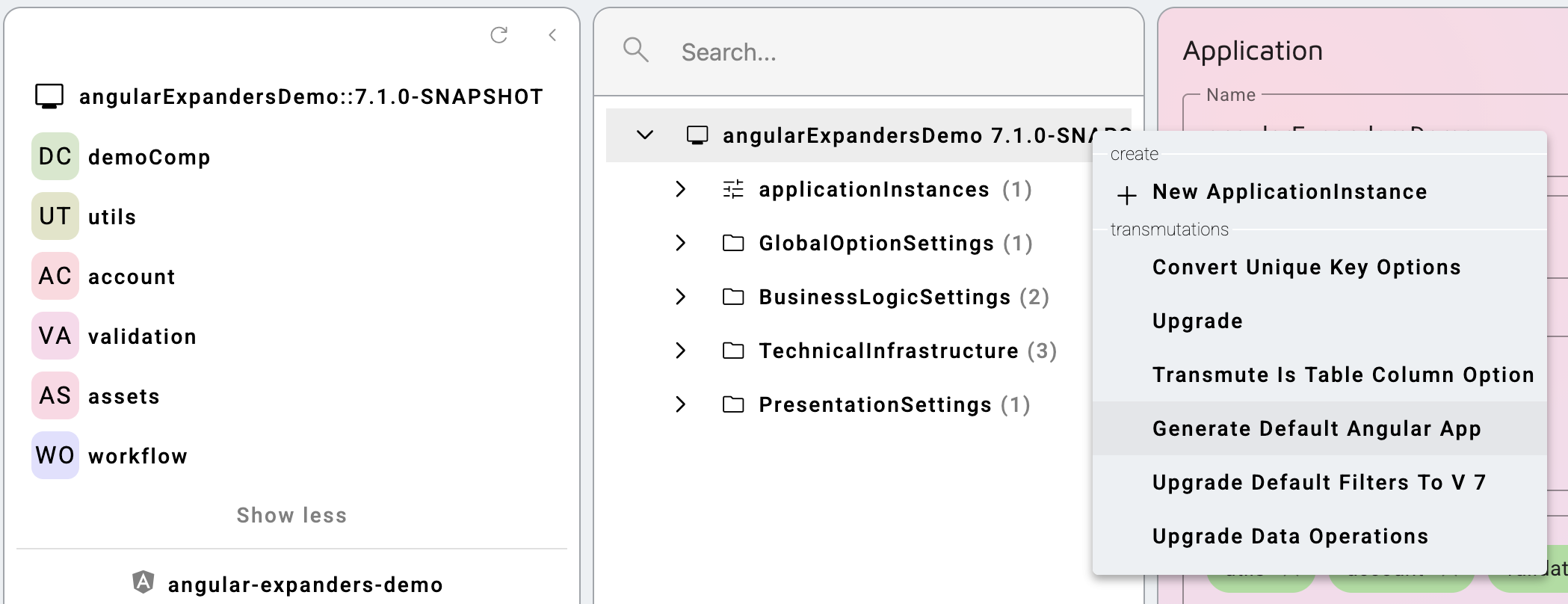
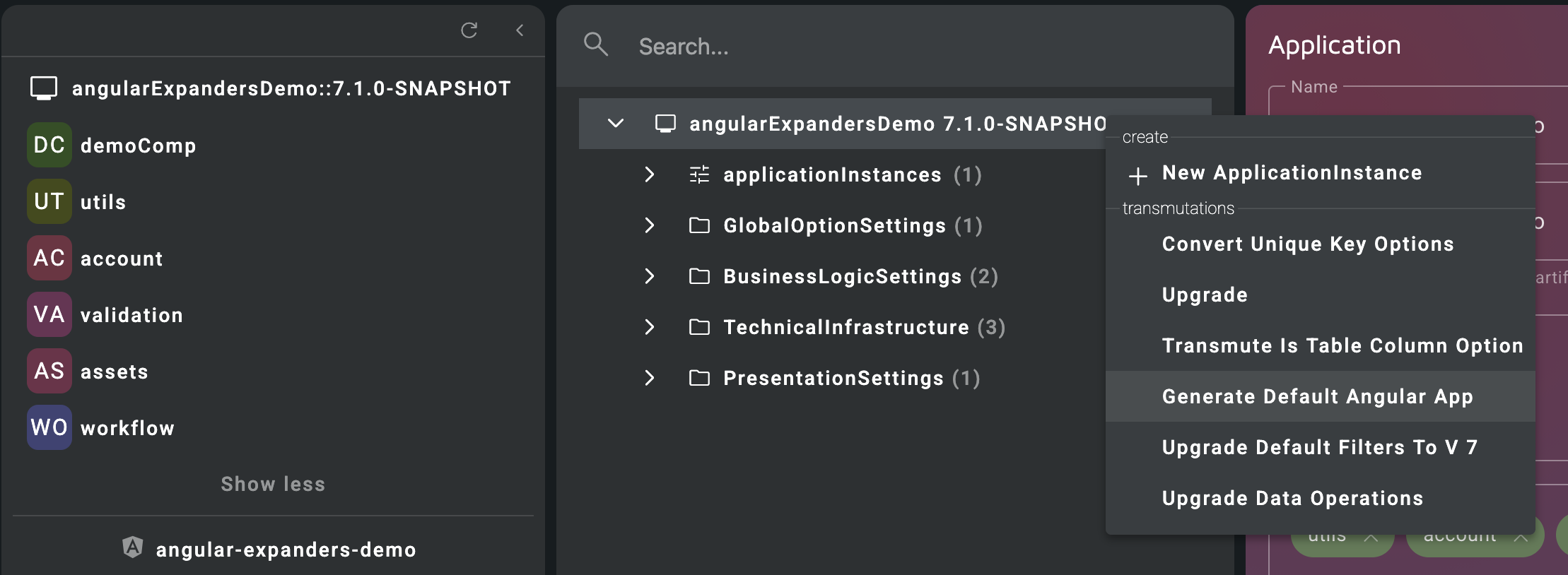
Generate Default Angular App transmuter
To make the Angular model show up in µRadiant for the first time, you have to restart it.
The transmuter will add an Angular expansion to your expansionSettings.xml file, but the currently loaded model files do not include the newly generated expansion yet.
To verify the transmuter worked correctly, you can compare the new Angular expansion in your expansionSettings.xml with the following snippet:
<expansions>
  ...
  <expansion>
    <target>your-app-name</target>
    <profile>Std API yarn Ln0x access</profile>
    <type>angularProjects::AngularApp</type>
  </expansion>
</expansions>
The Angular meta-model is separated from the elements meta-model, so it needs to be updated separately.
Since transmuters are designed to be idempotent, you can run the transmutation each time you want to update your
Angular
model after a change in the elements model.
2. Steps to add Angular application to your docker setup:
After adding the model files, the next step is to extend your project-setup so the Angular frontend can be deployed to an
environment.
The recommended way to set up the Angular applicationApplicationThe overarching model container grouping all components, domain logic, and configurations for an enterprise solution. in docker is to add Artifacts and Services to your project-setup model.
Since this project setup can be modelled, a second transmuter (Generate Angular Setup) was developed to
incorporate the new Angular app.
- Open μRadiant and select
.nsprojectin theprojectbutton in the left panel. This opens the project setup model. - Open the "expansion-settings" tab and make sure the project-expandersExpanderA unit of generation that combines a data tree instance (functional M1 model) with a template to generate an artifact. are at least on version 3.4.0. If not, you can change this in your
/.nsproject/expansionSettings.xml. - In μRadiant, click on your project and run the
Generate Angular Setuptransmuter. This will create Services and ArtifactsArtifactA build or deployment result, such as a Docker container image or Java archive, produced by a software project. for the gateway and your Angular applicationApplicationThe overarching model container grouping all components, domain logic, and configurations for an enterprise solution..
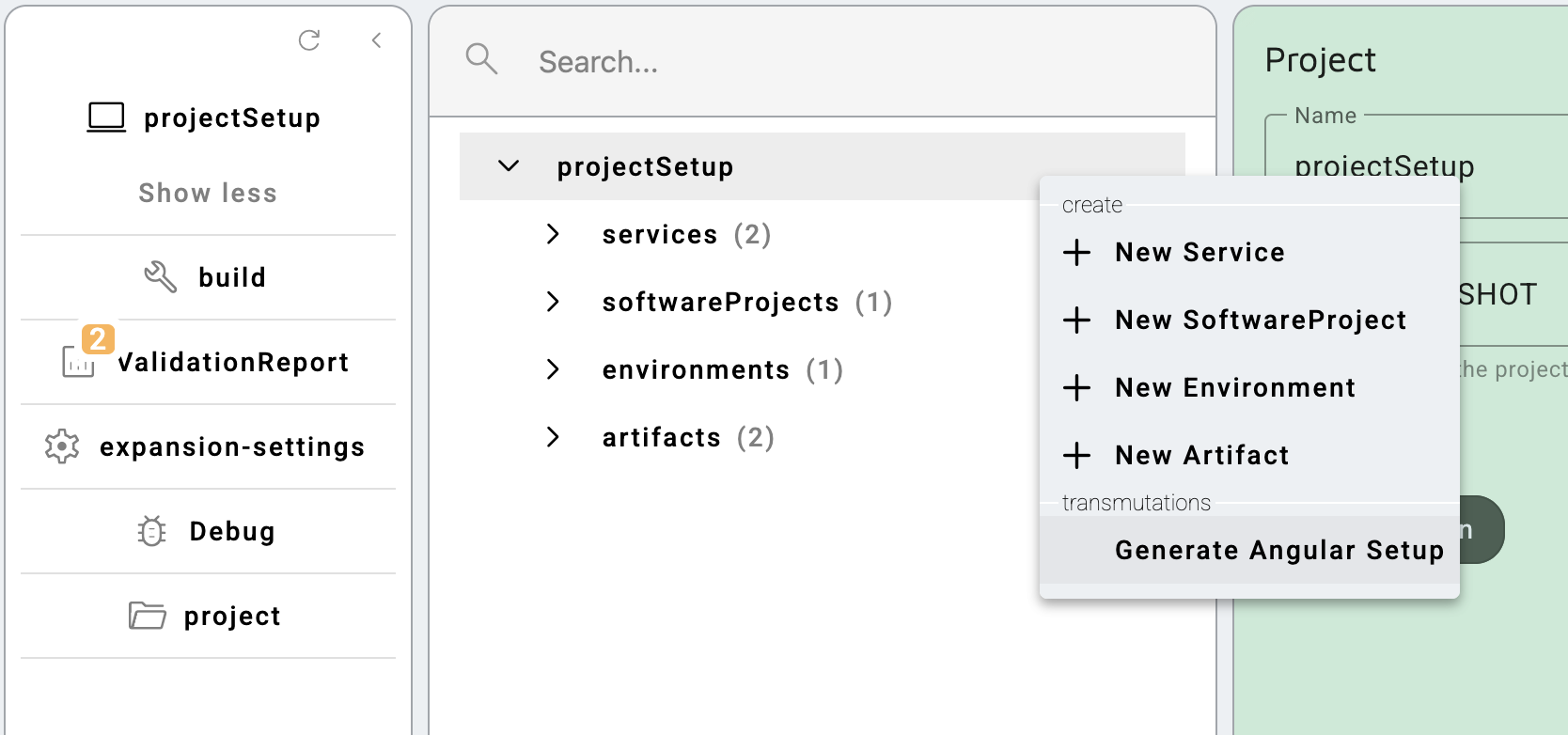
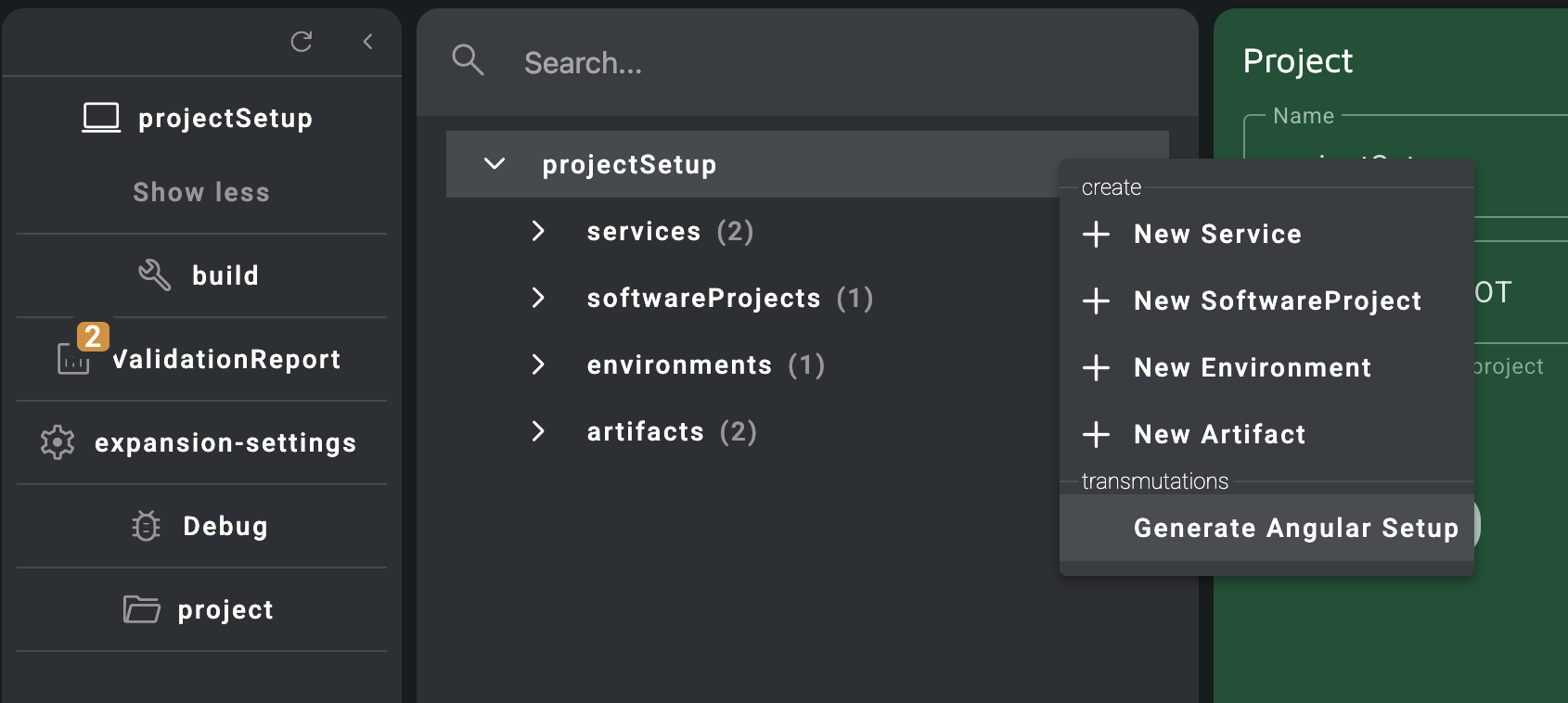
Generate Angular Setup transmuter
- Run the
rejuvenate_nsproject_setup.nssscript. New images will be created in your/dockerfolder, as well as some scripts in your/scriptsfolder. - Expand the applicationApplicationThe overarching model container grouping all components, domain logic, and configurations for an enterprise solution..
- Add an empty
yarn.lockfile inexpansions/..-angularif it doesn't exist yet. This file is required to install the packages defined in thepackage.jsonfile that the Angular applicationApplicationThe overarching model container grouping all components, domain logic, and configurations for an enterprise solution. depends on. You should harvest theyarn.lockfile and include it in Git. - Run the build scripts.
- Run the
start_default_services.nssscript. This will copy the built code to thedocker/../deployfolder and run the applicationApplicationThe overarching model container grouping all components, domain logic, and configurations for an enterprise solution. in docker containers, resulting in KO running on port8080and Angular on port8081. The gateway runs on port8082. It is the preferred entry point of the applicationApplicationThe overarching model container grouping all components, domain logic, and configurations for an enterprise solution. and can be used to access both the Angular and KO frontend, e.g.localhost:8082(Angular),localhost:8082/<jeeAppName>(KO).
If you want to run the Angular applicationApplicationThe overarching model container grouping all components, domain logic, and configurations for an enterprise solution. locally without Docker, and see your code changes reflect in the applicationApplicationThe overarching model container grouping all components, domain logic, and configurations for an enterprise solution. in real-time, you can run yarn start in your expansions/..-angular folder. This will hot deploy the Angular applicationApplicationThe overarching model container grouping all components, domain logic, and configurations for an enterprise solution. on a different port, usually 4200.
Possible issues
- FindersFinderA search specification combining field-operator pairs to execute standard data queries on a DataElement. with a name that do not follow the naming convention cause compile errors in Angular.
- When a project has defined custom networks in the
docker-compose.yamlfile, the default gateway setup no longer works. The network alias has to be changed or a new network needs to be created in order for the gateway to find the necessary services. - For the basic auth login process, the
/account/accountendpoint is called. If the user does not have access to this endpoint, you can change the value of theangular.basicAuth.enableoption on AngularApp to any different endpoint that requires the user to be logged in. - If you encounter an issue along the lines of
All custom valueTypes should have a nativeType for angular:form-input, angular:detail-field, ...you can exclude the fieldFieldA property of a DataElement expanded to a database column and user interface input element. from the view-layerLayerLogical separation of functionality within a single system/application, focused on code organization., or change the type of the fieldFieldA property of a DataElement expanded to a database column and user interface input element..